AI Image Prompts for Campaign-Ready World-Building
Summary
AI image prompts give GMs and worldbuilders a way to generate character portraits, location concept art, and faction imagery without a hired illustrator. The key is structure: a five-block formula covering role, visual anchors, gear, mood, and format produces recognizable characters across multiple sessions. Location prompts need one specific architectural or narrative detail to avoid generic fantasy results. Midjourney, Leonardo AI, and Stable Diffusion each handle different parts of a campaign's visual library.
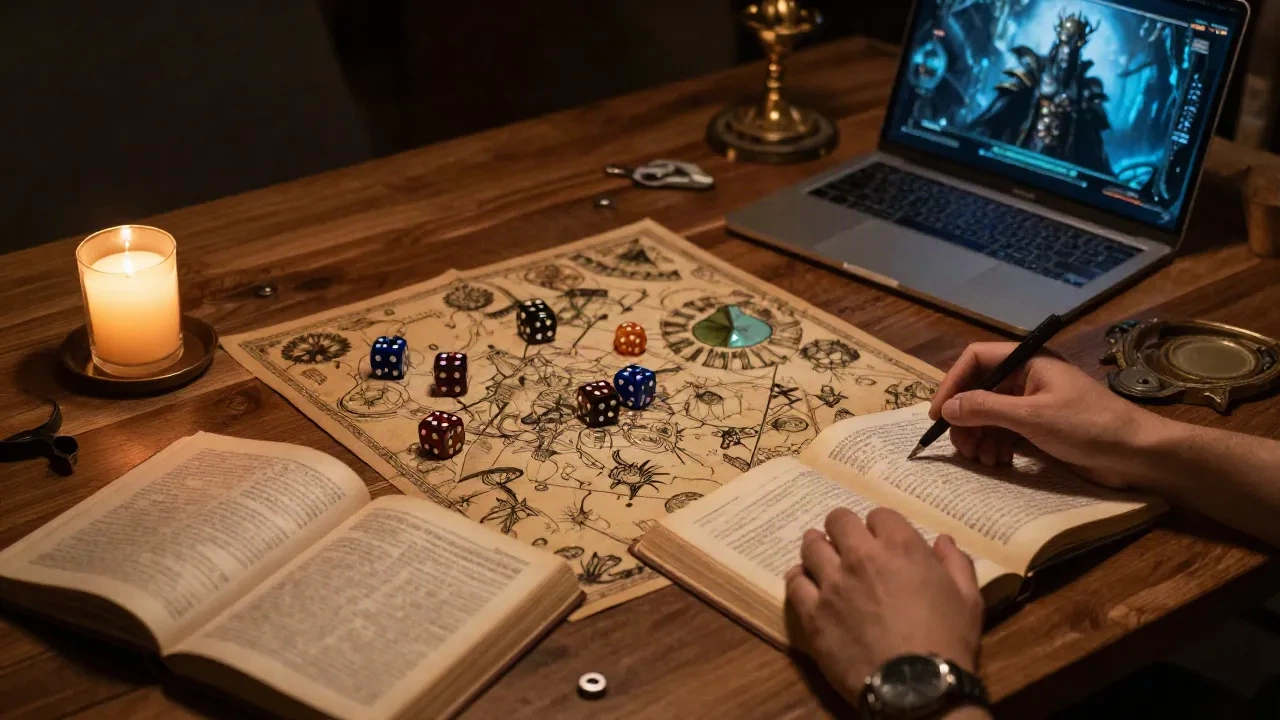
Three sessions into a new arc, my players showed up expecting a visual reveal of the faction's leader. The portrait I'd spent forty minutes generating looked like every other hooded villain in a stock fantasy gallery: indistinct, forgettable, not remotely the character I'd built. The fix was not a better tool. AI image prompts, structured correctly, produce campaign-ready character art, location reveals, and faction imagery that holds visual identity across fifty sessions. Here is the structure that actually works.
What Most Prompts Get Wrong at the Table
The default instinct, for a GM who has spent years writing lore, is to write prompts like lore entries. You type the character's history, motivations, the secret wound from childhood, the philosophical stance. None of that appears in the image. What appears is what a painter would see from across the room: the scar across the left cheek, the narrow posture, the three knives visible at the belt.
The "shopping list" approach has the same problem from the other direction. Prompt after prompt in campaign forums looks like this: "elf rogue dark hood dagger 8k ultra detailed masterpiece." The tool generates something. It rarely generates a character you would recognize three sessions later. Quality strings like "masterpiece" and "ultra detailed" burn tokens that could describe something a player would actually remember.
The fundamental issue is that most worldbuilders write what they know about a character, and AI image generators render what is visible. The sooner you learn to translate lore into visible anchors, the faster your campaign's visual identity gets coherent.
A Five-Block Formula for Character Portraits That Hold at the Table
After testing this across six months of campaign prep, including a Pathfinder 2e homebrew with thirty-plus NPCs who needed to be distinguishable at the table, the most consistent results come from five ordered blocks. The order matters because the model's attention weights front-loaded information more heavily.
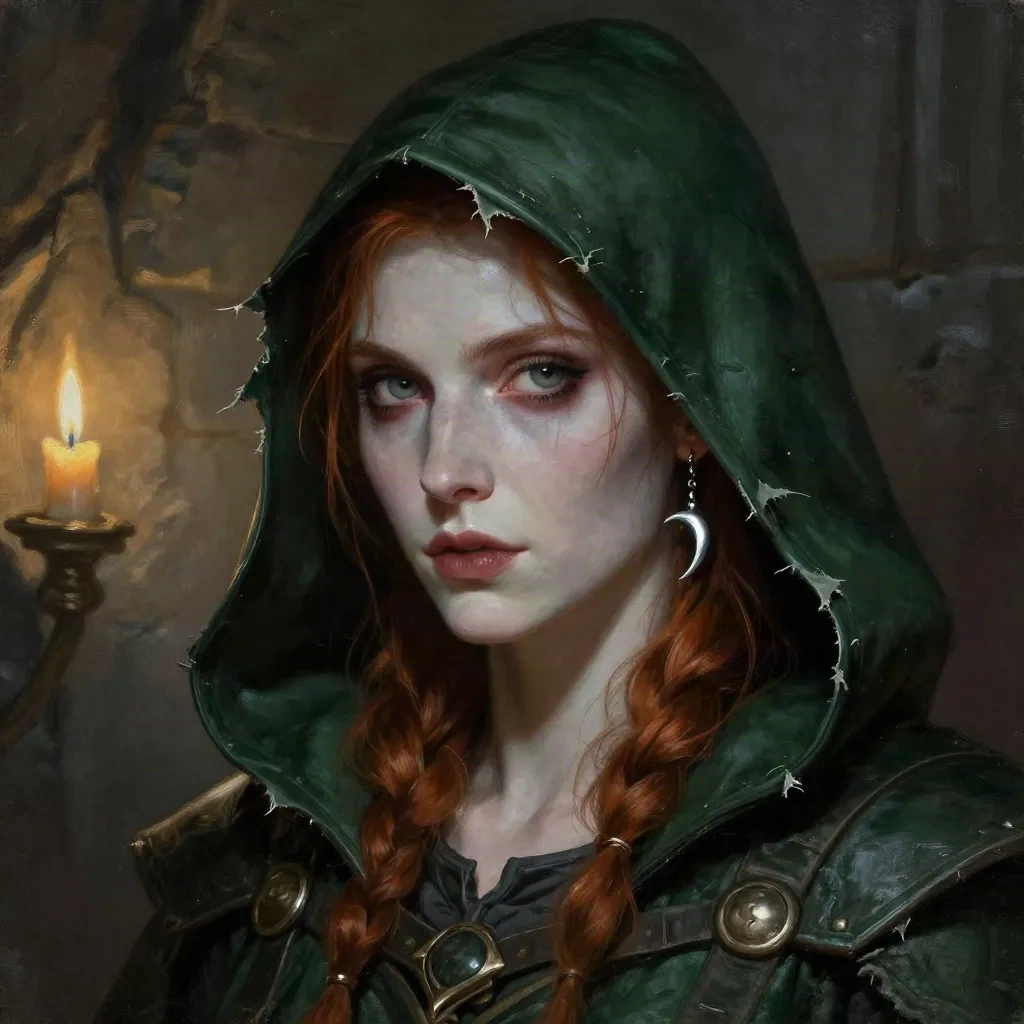
Block 1: Role and ancestry. One compound noun. "Halfling cartographer," "dwarven siege engineer," "tiefling court scholar." Not a name, not a backstory, just the archetype and ancestry.
Block 2: Permanent visual anchors. Two or three specific, visible details that would survive a character description written from memory after the session ends. "Chipped front tusk," "silver crescent earring," "burn scar on the right forearm." These are the details that make the character recognizable across multiple generations of the same prompt. If a detail is not visible in the image, leave it out of the prompt.
Block 3: Gear and silhouette. What they are wearing or carrying, described precisely enough to read in a portrait. "Heavy leather apron over chainmail" reads differently from "leather apron." "Twin narrow daggers held low" is a different silhouette from "with daggers." The specificity here is not decoration; it is the only way the model distinguishes one gear set from another.
Block 4: Mood and pose. One word for the expression, one for the posture. "Wary, weight shifted back." "Amused, chin tilted." Avoid abstract emotional states; use the physical expression of the emotion. The model cannot render "conflicted" but it can render "tense jaw, eyes slightly unfocused."
Block 5: Light and format. This is where you tell the tool what kind of output you actually need. "Portrait, candlelit stone wall behind, oil painting style, muted palette." For VTT tokens: "portrait, white background, digital illustration." For a villain reveal: "dramatic underlit, dark background, concept art." The format block also sets the visual register for your whole campaign if you keep it identical across all character prompts.
Total prompt length should land between forty and eighty words. Beyond eighty, you start losing signal. Under thirty, you get a generic result.
Location Prompts: The One Detail That Makes a Scene Specific
Character portraits have a formula. Location prompts have a different trap: genericism. "Ancient ruined tower at night" produces exactly the kind of image you have seen a thousand times. It is atmospherically correct and emotionally inert.
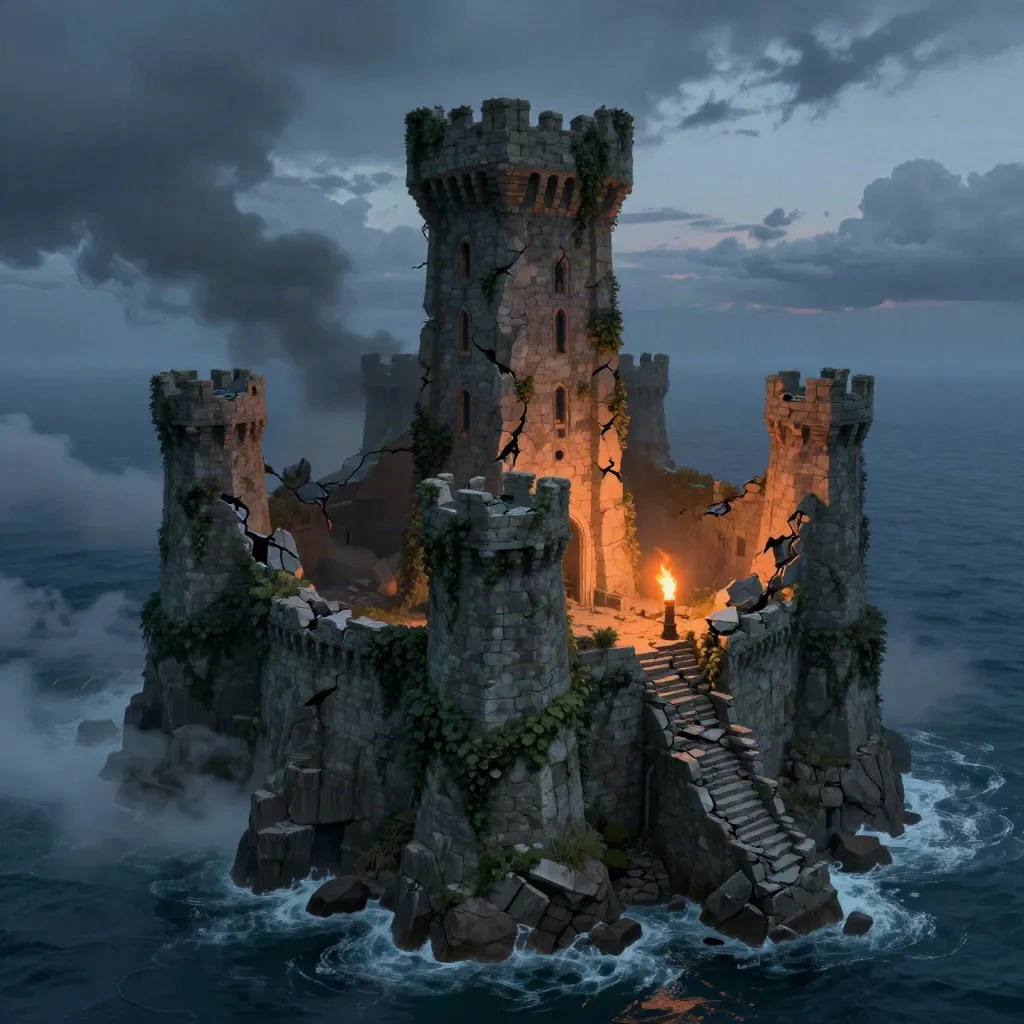
The fix is specificity of one element. "Ancient ruined tower at night" is generic. "Sea-cliff citadel with a collapsed east tower and orange torchlight bleeding from narrow arrow slits" is a location. The specificity does not have to be everywhere in the prompt. One precise architectural detail, one unusual atmospheric condition, one piece of evidence of prior inhabitation is enough to push the scene past the stock result.
For GMs running long campaigns, location prompts benefit from a secondary anchor: evidence of what happened there. "Collapsed ballroom, grand piano half-buried under rubble" places a ruin in a civilization. "Battlefield three days after the fighting, crows in the treeline, abandoned siege engine in the mud" puts history into a landscape. These details rarely hurt the image and frequently make it feel inhabited rather than rendered.
Keep location prompts to forty to sixty words and avoid listing too many architectural features. One clear structure, atmospheric conditions, one narrative detail.
Keeping Visual Canon Consistent Across a Long Campaign
The real problem in a campaign that runs sixty or eighty sessions is not generating good images. It is generating consistent images. The faction leader who appeared in session four needs to look recognizably like herself in session forty-seven, after her circumstances have changed and you need a new portrait.
The practical answer is a prompt Codex: a separate document where you store the exact prompts that produced each canonical image, alongside the output URL and which tool you used. When you need a new image of the same character, you pull the block-2 anchors verbatim and update only blocks 3 through 5. "Chipped front tusk, silver crescent earring" stays the same. The gear, the mood, and the format change.
Style consistency across a whole campaign is harder than character consistency. The simplest approach is picking one style string and never deviating from it. "Oil painting style, muted palette, soft focus background" as a fixed suffix on every character portrait creates visual coherence faster than trying to match styles per character. One visual register for the campaign, the way a novel has one prose register.
Some tools handle this better than others. Leonardo AI's character reference feature lets you lock a reference image and regenerate with new poses or lighting, which eliminates the need for verbatim prompt repetition once you have an approved portrait. For GMs with large casts, this is worth the workflow cost.
Which Image Generator Actually Handles What
The honest answer is that no single tool does everything a campaign visual library needs.
Midjourney produces the best results for finished portrait quality. It renders faces, fabric, and atmosphere at a level the other tools do not consistently match. The tradeoff is a closed ecosystem: you work inside their web interface, you cannot run it locally, and style consistency across a large cast requires careful prompt documentation.
Stable Diffusion is the tool for GMs who want control over the process rather than convenience. Run locally, it handles large batches without per-image cost and allows fine-tuning on specific art styles or character references. The prompt syntax is different (negative prompts go in a separate field, model weights matter), and the setup cost is real. The payoff is a visual pipeline that belongs to the campaign rather than to a third-party service.
Leonardo AI sits between the two in both quality and flexibility. Its character reference system is the most GM-friendly of the three for maintaining visual consistency across a long-running campaign. Image quality for complex scenes runs below Midjourney but above average Stable Diffusion output without fine-tuning.
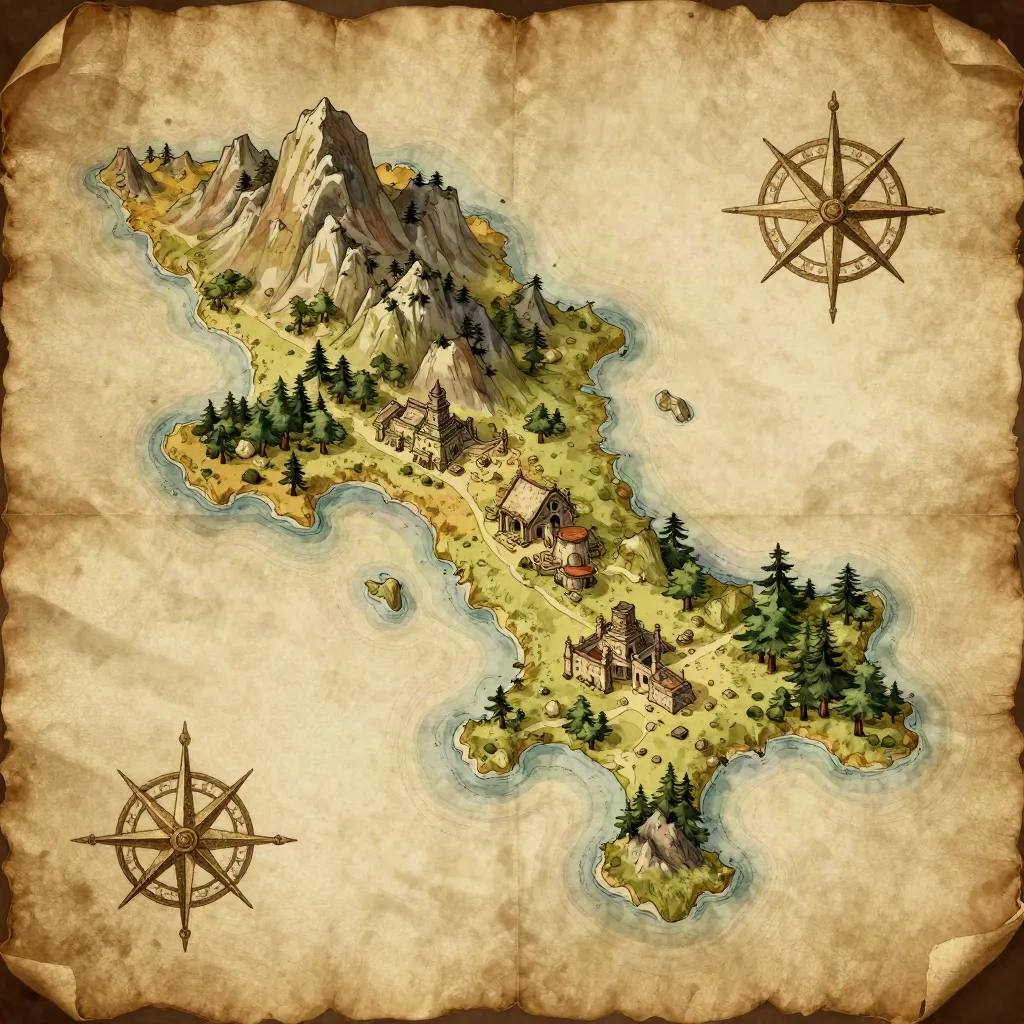
Ideogram is worth knowing for faction symbols, heraldric crest design, and cartographic illustration. It handles stylized flat graphics more cleanly than the photorealistic-oriented models, and the legibility of geometric forms is noticeably better. Not a replacement for a portrait tool, but a useful complement to one.
What the Forge Generates vs. What You Still Have to Write Yourself
There is a pattern in campaign prep where GMs start using AI image prompts, get results that are good enough, and then start using the visual generation as a substitute for the underlying design work. The portrait exists, so the character exists. The location concept art is there, so the location is built.
The problem surfaces at the table. A player asks about the scar on the faction leader's face. You know it is there; you described it in the prompt. But you do not know what it means within the lore. The Forge generates the visible surface. The history behind it still needs a human pass.
AI-assisted image generation is fastest and most useful when the underlying design is already solid. A character with clear motivations, a defined role in the faction structure, and at least one relationship to another character produces a more useful prompt because you know which three visual anchors actually matter. A blank character who exists only to fill a role in session four produces a generic portrait because you do not yet know what makes them specific.
This is not a criticism of the tools. It is a description of how to get the most out of them. The lore either earns belief or it does not. Generate the image after you know who the character is. Not to discover who they are.
Here's How It Holds Up at the Table
The five-block formula produces character portraits that hold across sessions when the visual anchors are chosen deliberately: physical markers, not personality traits. Location prompts with one specific architectural or narrative detail push past the generic stock result. Style consistency across a campaign comes from picking one visual register and keeping the fixed suffix identical across all character prompts.
The images the tools generate are better than most GMs would have access to otherwise, and they are faster than commissioning individual pieces for every NPC with a speaking role. The gap they do not close is the design work that makes a character worth generating in the first place. That is still the GM's job, and the AI-assisted tools work better once it is done.