AI Oil Painting for Campaign Art: A GM's Field Report
Summary
AI oil painting generators can produce convincing painterly portraits for a TTRPG campaign, but most single-click filter apps fake the texture instead of rendering it. The tools worth paying for handle brushwork vocabulary, character consistency across a full cast, and honest limits on how many regenerations a usable NPC portrait actually takes. This field report compares four generators against a real six-portrait faction deadline.
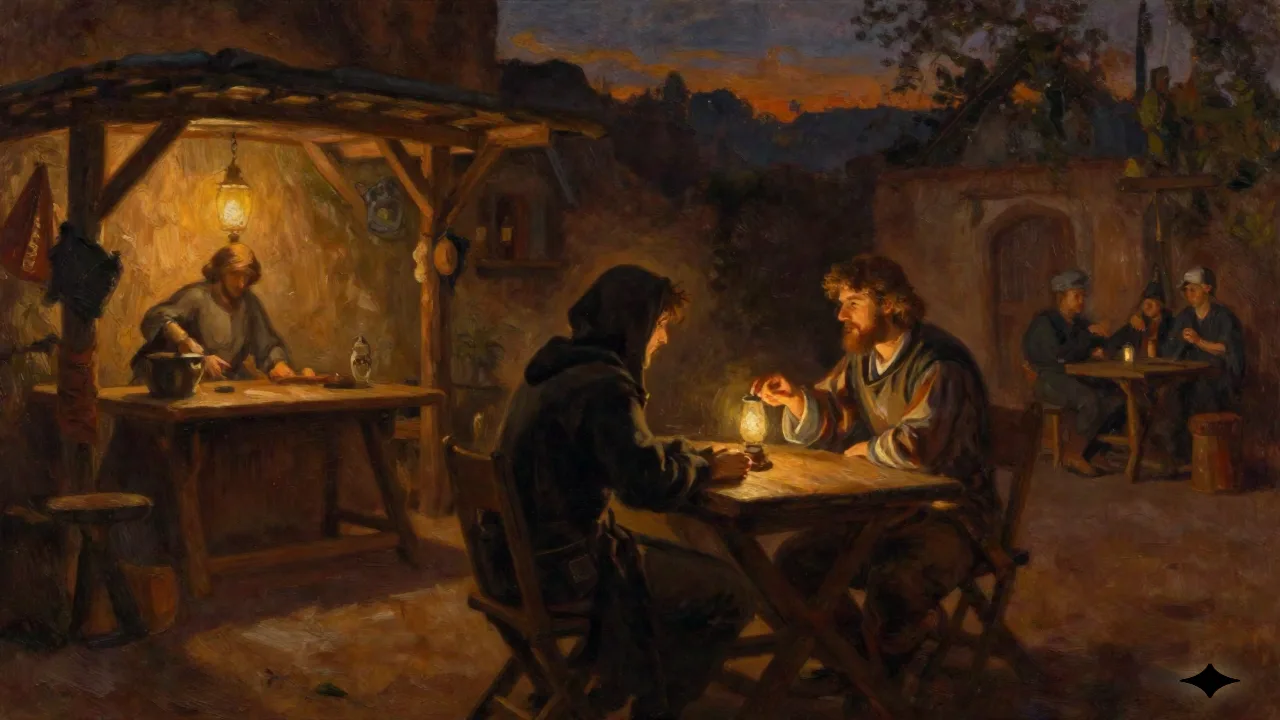
Last month I needed six NPC portraits for a faction reveal by Thursday, and typing "ai oil painting" into three different generators taught me more about which tools hold up at a table than a month of prompt tutorials would have. The short version: AI oil painting works well for a single character portrait or a mood piece, gets shaky the moment you need the same face twice, and falls apart the second a player expects visible canvas grain instead of a smoothed-out digital gloss. If you're building portrait art for a campaign cast, not just one pretty image, the tool you pick matters more than the prompt you write.
What Actually Makes an AI Image Look Like an Oil Painting
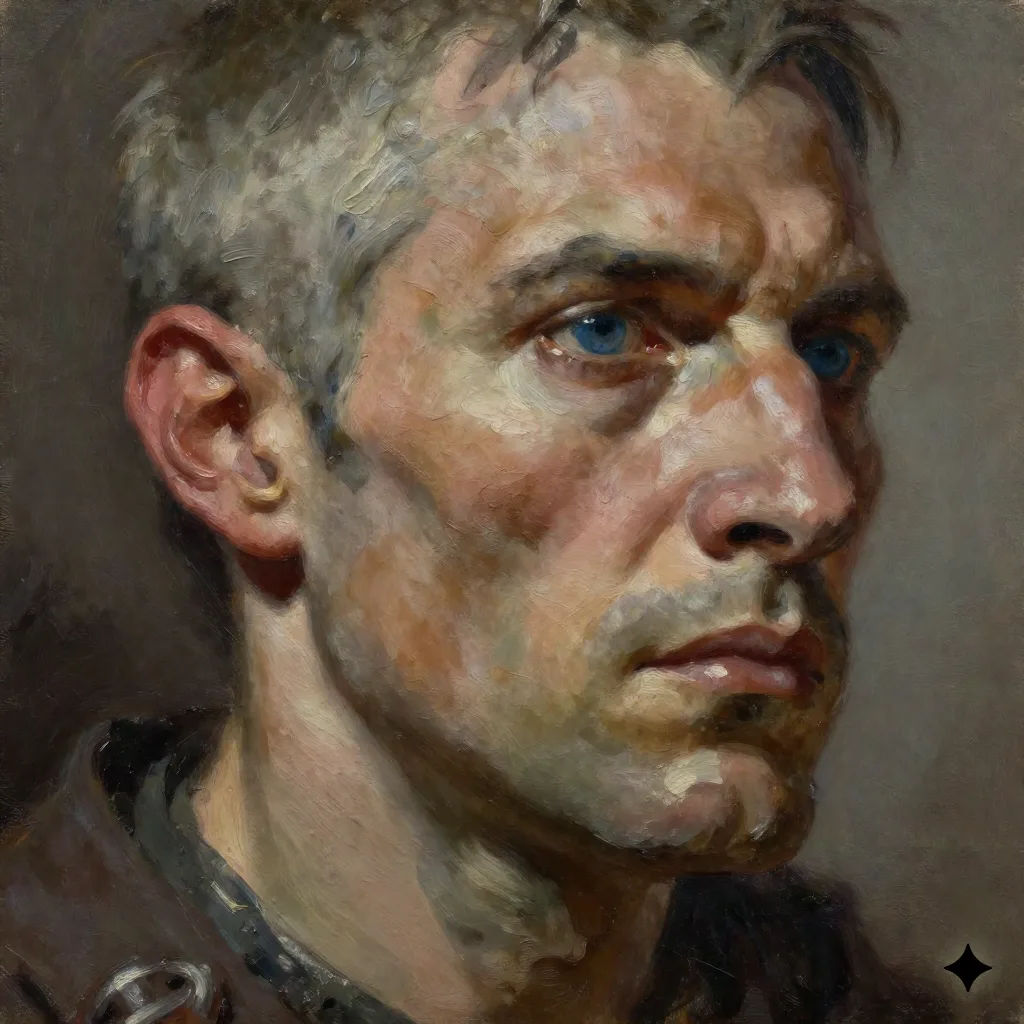
Type "oil painting" alone into most generators and you get a soft, glossy render with a faint canvas overlay, not an actual painting. The models respond to more specific vocabulary: impasto for the raised, textured highlights a palette knife leaves behind; glazing for the thin, layered color a painter builds up over several passes; visible brushwork for strokes you can trace with your eye instead of a blended gradient. Add a light source and a limited palette (three or four dominant tones, not the full spectrum) and the render starts to read as painted rather than filtered.
Midjourney's oil paint style reference is a useful baseline here, since Midjourney has become something like the house style for painterly fantasy art, and its documented keyword set (broad brushstrokes, moody color, painterly look) transfers reasonably well to other models. What doesn't transfer is expecting one prompt to do the job. The portraits that actually looked painted took two or three rounds: base composition, then a pass asking specifically for heavier brushwork and less symmetry, because symmetric faces are the fastest way to make a painting look synthetic.
Lighting direction matters more here than in most AI art use cases. A single named light source (candlelight, overcast window light, a forge's glow) gives the model a reason to build shadow in layers instead of flattening the face into even, shadeless color. Naming a historical period or a painter's approach helps too, not because you want a pastiche, but because it forces the model away from its default airbrushed-poster instinct. A prompt asking for "a portrait in the manner of a 19th-century tavern sign painter, thick strokes, limited palette" will consistently out-texture a prompt that just says "fantasy character, oil painting style." Specificity is doing almost all of the work.
The Filter Trap: Why "Oil Painting Effect" Apps Fall Short
A whole category of tools will take a photo or a flat portrait and slap an oil-painting filter over it in one click. They're fine for a quick social post. They are not fine for campaign art, because a filter doesn't reconstruct the image the way a generative model does. It smears existing pixels into a texture pattern, so faces keep their original proportions and lighting instead of gaining the depth a real (or generated) painting has. Run a character through one of these and you'll get something closer to a sepia-toned photocopy than a portrait your players would believe hung in a tavern. Skip these for anything that needs to survive being printed or projected at table size.
Which Tool Actually Holds Up for Campaign Portraits
We ran the same faction brief (six NPCs, one shared visual language, one week) through four generators. Results varied more than the marketing pages suggest.
OpenArt AI has a dedicated oil-painting mode built around the vocabulary above rather than a generic style tag, which meant fewer regeneration rounds to get real brushwork instead of a smoothed render. Worth it if you want a tool that already understands painting technique so you don't have to write a technical prompt every time.
Midjourney still produces the most convincing texture of the four, full stop, but it has no native way to lock a face across six separate generations without a style reference workflow that takes real setup time. Worth it if brushwork quality matters more to you than turnaround speed.
Leonardo AI's fine-tuned models were the fastest path to a consistent cast: train a quick model on your first approved portrait and the next five inherit the palette and brush style automatically. Skip it if you only need one portrait and don't want to spend the setup time on a model you'll use once.
NovelAI, a tool this site has covered before for its prose model, also generates images, but its output leans illustrative and anime-adjacent rather than painterly, even with oil-painting language in the prompt. Skip it specifically for this use case; it's a strong pick for other campaign art, just not this one.
Cost mattered less than expected across all four. Every tool we tried has a free or near-free tier that covers a single faction's worth of portraits, and the paid tiers only start to matter once you're generating art at the pace of a full setting bible rather than one campaign. Where the tools actually diverged was in how many regenerations it took to get a keeper, and that number, not the subscription price, is what determined how long the whole faction took from blank prompt to six approved portraits.
Keeping a Painted Cast Consistent Across a Whole Campaign
The real failure point isn't generating one good portrait. It's generating a second one six weeks later that still looks like the same painter made both. Three things helped: saving the seed number from any portrait your table approved, reusing the exact palette language in every follow-up prompt instead of trusting your memory of it, and running new characters through an image-to-image pass against an approved portrait rather than starting from a blank prompt. None of this is automatic. You are still the one deciding whether the new face fits your realms, and no generator will flag a mismatch for you.
A style reference image works better than a text description of a style, because "warm, painterly, moody" means something different to the model every time you type it, while an actual reference image anchors the output. Keep a small folder of your two or three best portraits and feed one back in whenever you add a character.
There's a second, quieter consistency problem: your own drift. Six weeks into a campaign your sense of what "the house style" looks like has shifted without you noticing, because you've been staring at the same portraits every session. Pulling up the very first approved image before generating anything new, rather than working from memory, catches most of that drift before it reaches your players' screens. It's a small habit, and it's the one most GMs skip once the initial excitement of the tool wears off.
A Field Report: Painting Six NPCs for One Faction
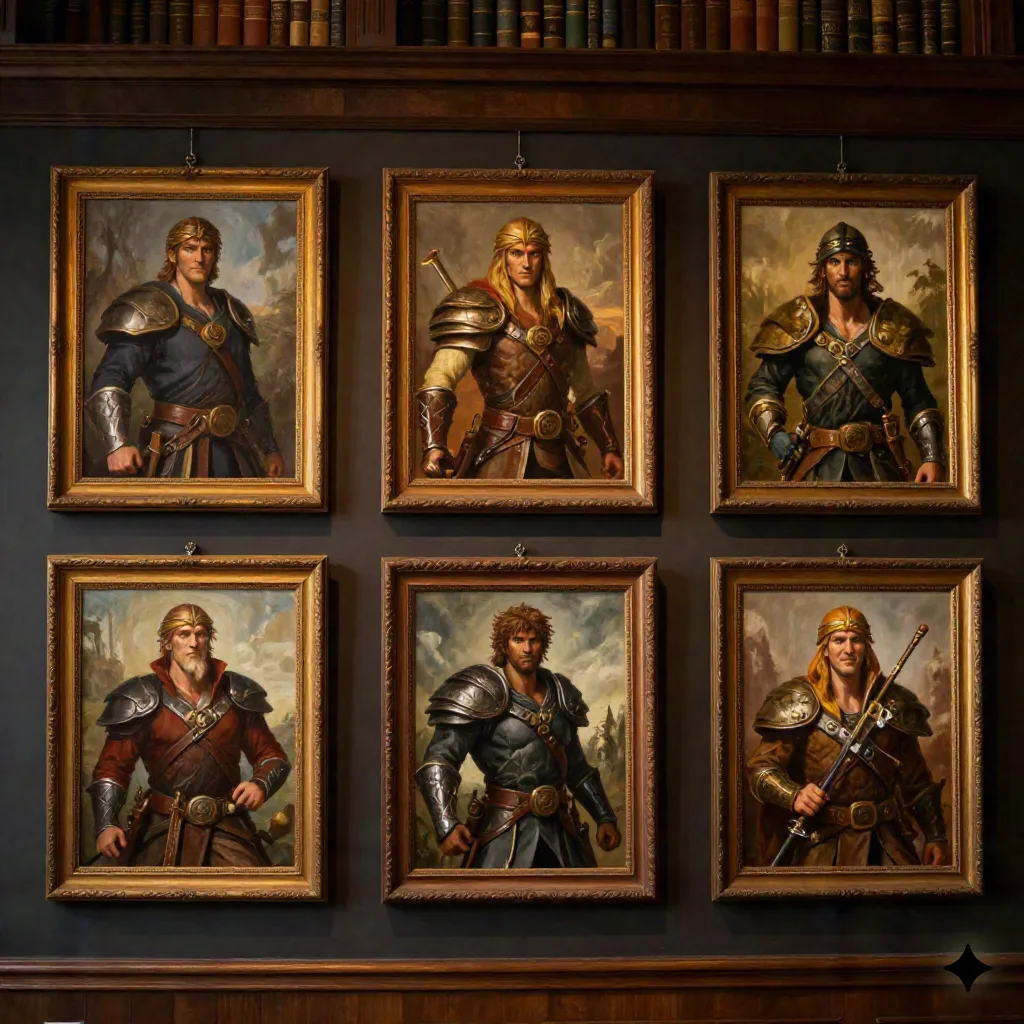
Here's how it holds up at the table. My faction was a merchant house with a matriarch, two enforcers, a bookkeeper, and two heirs, and I gave myself one evening. The matriarch took four regenerations to get right; the first three gave her a jawline closer to her twenty-year-old daughter than a woman who'd run the house for three decades, a problem I hadn't anticipated and had to solve by explicitly prompting for age markers instead of trusting the model to infer them from context. The enforcers were easy: strong lighting, minimal personality nuance, done in one pass each. The bookkeeper took the longest, six regenerations, because "quiet competence" turned out to be a much harder brief for an image model than "menacing" or "regal." Total time: two hours forty minutes for six portraits I'd have paid a commissioned artist three to four weeks for. The tradeoff is real: my players got faces at session start instead of session six, but a human illustrator would have caught the matriarch's age problem before I saw it, not after four tries.
The heirs were the real surprise. I'd budgeted the least time for them, figuring "young noble" was about as simple a brief as this genre gets, and instead burned nine regenerations trying to make them look related to each other without looking identical. What finally worked wasn't a better prompt. It was generating one heir first, locking her palette and bone structure as a reference, then running the second heir as an image-to-image variation rather than a fresh text prompt. The lesson traveled straight into how I plan the next faction: generate the character with the most visual anchors first, then build outward from that portrait instead of treating every NPC as its own blank page.
The AI Art Question Publishers Can't Dodge
Using AI oil painting for your own table is a different question from using it in something you sell. In 2023, Wizards of the Coast confirmed AI-generated elements had made it into art for its Bigby Presents: Glory of the Giants book, after an artist acknowledged using AI tools for parts of a commissioned piece. The backlash was fast enough that Wizards revised its artist guidelines to prohibit AI use in future commercial work entirely. That's the line worth understanding before you publish: a homebrew portrait for your own five-person table carries none of the stakes of art in a module you're selling on DriveThruRPG or Itch.io, where buyers increasingly expect a disclosure and some publishers now require one contractually. If you're publishing, say so up front. If you're prepping for Thursday, this entire question doesn't apply to you.
What We'd Actually Use at the Table
For a single striking portrait, Midjourney's texture still wins. For a cast you need to keep consistent across months of sessions, Leonardo's fine-tuned models save more prep time than any prompt trick. For a GM who wants painting technique baked in without learning the vocabulary first, OpenArt AI is the shortest path to something that looks painted rather than filtered. None of them replace the read a human illustrator gives a face before a mistake ships to your table. They just mean the mistake shows up on a Tuesday night instead of never getting made at all.