How to Make a Game on Roblox: A Worldbuilder's Route
Summary
To make a game on Roblox, install the free Roblox Studio, start from the Baseplate template, and build one small place. Add behavior with Luau scripts, playtest with real people, then publish from the File menu. For worldbuilders, the step that matters most comes first: a four-line design note naming the place, the verb, the rule and the ending, so your lore drives the game instead of a template.
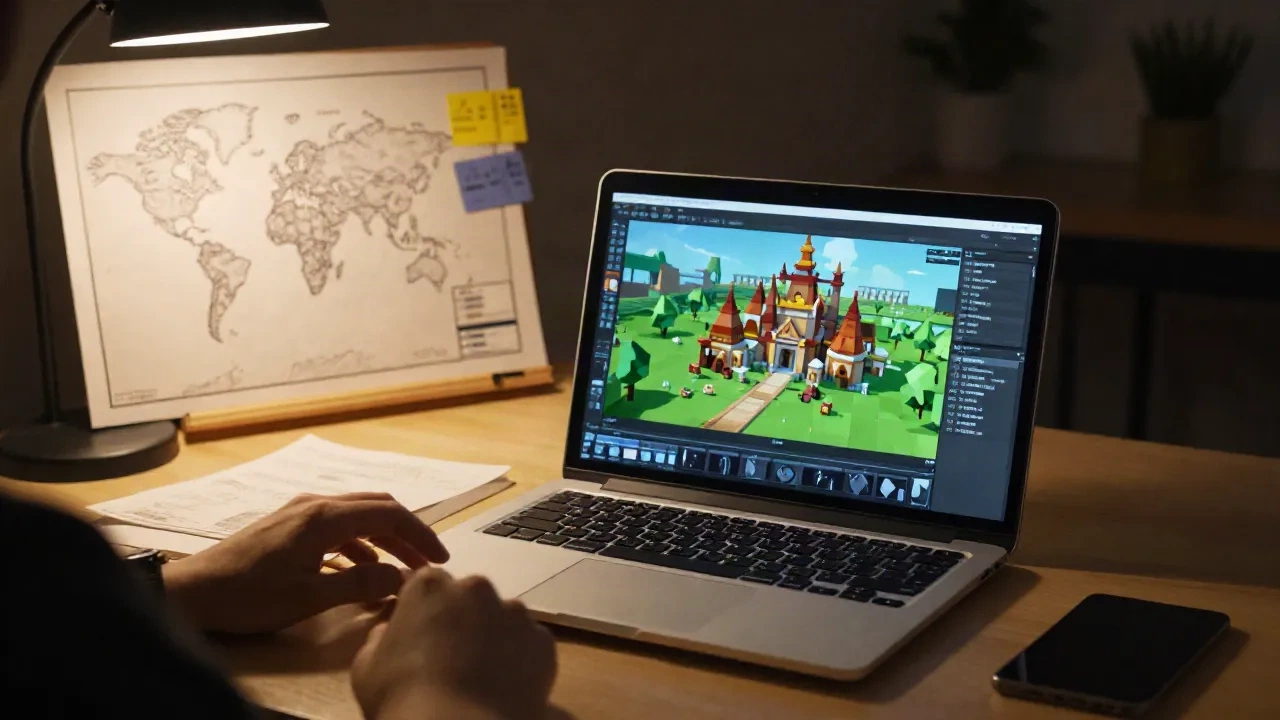
If you want to know how to make a game on Roblox, the short route is this: install Roblox Studio, start from the Baseplate template, build one small playable space, add behavior with Luau scripts, playtest it, then publish from the File menu. Studio is free to download. The real work is deciding what a player does in the first five minutes. For worldbuilders, that decision should come from your lore, not from a tutorial's default obby.
Why would a worldbuilder build on Roblox at all?
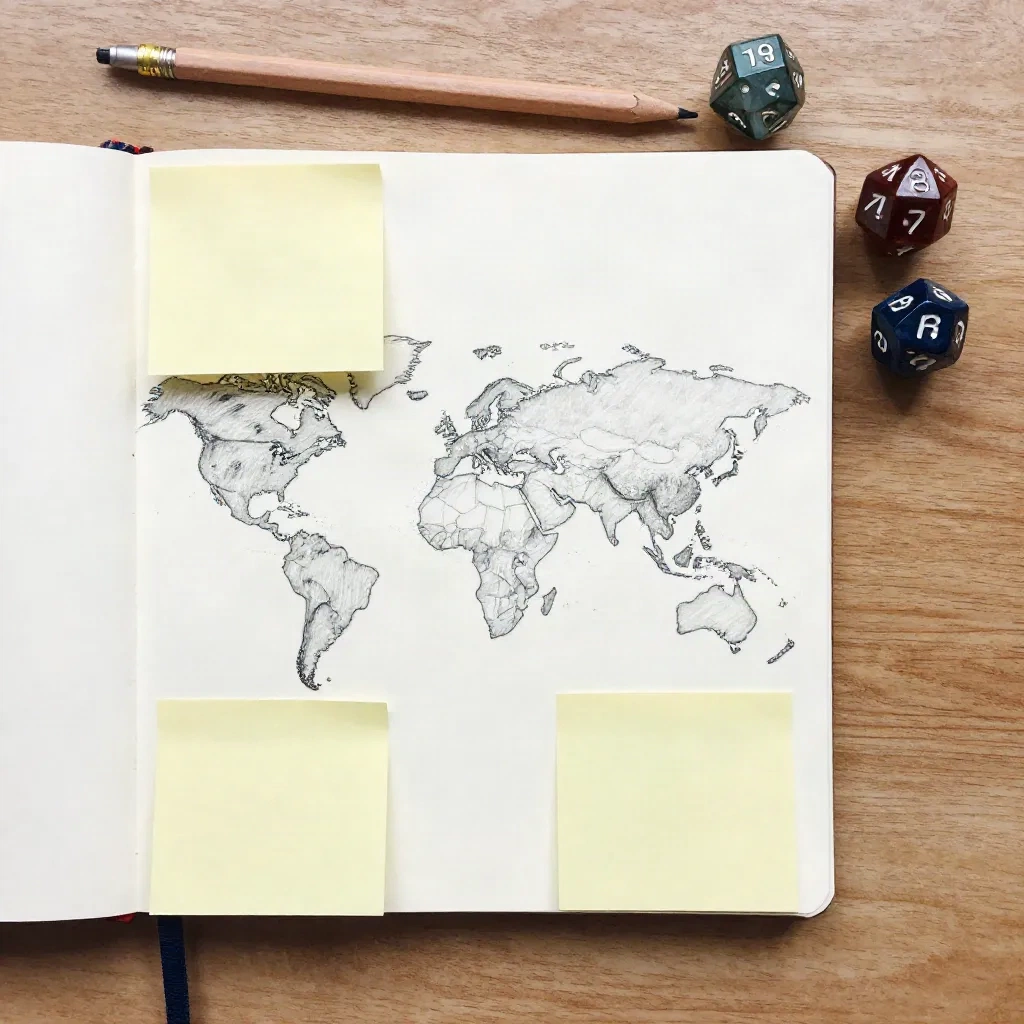
A campaign setting lives in documents. A Roblox experience lets other people walk through it. That gap is the reason GMs and indie authors keep drifting toward the platform: a map you can run across tells you things a map on paper never will. Is the market district really a two-minute walk from the temple? Does the choke point you wrote into chapter three actually choke?
Roblox is also forgiving in a way heavier engines are not. Hosting, multiplayer and a built-in audience come with the platform, so a solo designer can put a rough realm in front of friends in a weekend. The trade-off is that you work inside Roblox's rules, its look and its monetization model. If you want full control of a standalone product, the engine comparisons further down are the better road.
What do you need before opening Roblox Studio?
Less than the tutorials suggest. A free Roblox account, Roblox Studio installed on a Windows or Mac machine, and a one-page design note. That note is the part most guides skip, and it is the part that decides whether you finish.
Write four lines before you touch the editor:
The place. One location from your setting, small enough to cross in under a minute.
The verb. The single thing a player does there: collect, escape, trade, solve, survive.
The rule. One law of your world that changes how that verb works. A faction that locks doors at dusk. A river nobody can swim.
The end. What counts as done, so a session has a shape.
Canon is a promise. If your lore says the Ashgate toll keepers never leave their posts, your first script should make that true in the game. One kept promise teaches players more about your realm than a lore page ever will.
How do you build your first place in Studio?
Open Studio, choose New Experience, and pick the Baseplate template. It is a flat, empty slab, which is exactly what you want. The other templates arrive with prebuilt mechanics you did not design and will end up fighting.
Spend the first session on three things only. Learn to move the camera and select parts. Learn the Move, Scale and Rotate tools. Learn the Explorer and Properties windows, because every object in your world is a tree of parts and everything about a part, from color to material to whether it collides, is a property you can change.
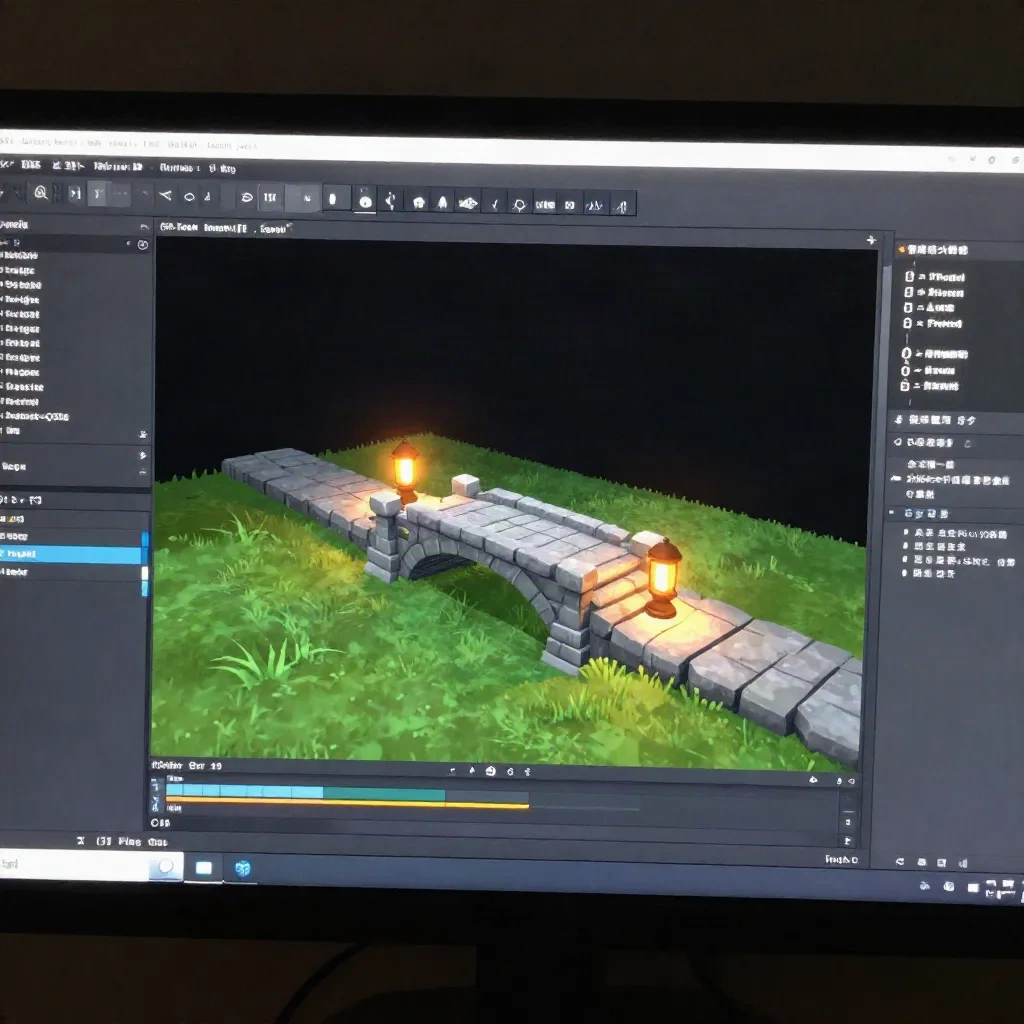
Then block out your location with plain shapes. Walls, a bridge, a gate, a tower. Resist detail. In my experience the first greybox tells you within ten minutes whether the layout works, and it costs nothing to throw away. Roblox's own Creator Hub documentation lists a "Build your first experience" tutorial under its tutorials section, and it is a sensible companion for the interface basics.
A practical habit while you block out: name your parts. Rename "Part" to "ToolGate_Left" and group related pieces into Models. Ten minutes of naming now saves an hour of hunting when a script needs to find the gate and your Explorer window holds four hundred identical blocks. It also forces you to decide what each object is for, which is the lore question wearing a technical hat.
Skip the asset marketplace for now. Dropping in free models feels fast, and it fills your place with scripts you have not read and a visual style that fights your setting. Build ugly, then replace.
Do you have to learn Luau to make a Roblox game?
Yes, for anything beyond a walking simulator. Roblox scripts are written in Luau, a language derived from Lua. It reads closer to plain English than most, which is the good news. A door that opens when touched is about ten lines.
The honest scale of the problem: you can build a convincing place with no code, but you cannot make the world respond to the player without it. Rules are scripts. That Ashgate toll that never leaves its post is a script that checks who is crossing and what they carry.
A sane learning order:
Print a message from a Script and watch it in the Output window.
Change a part's color or transparency when a player touches it.
Store a value, like coins or a faction reputation score, and update it.
Fire something on a timer, such as a gate that closes at dusk.
Four steps get you a surprising distance. The official introduction to coding curriculum is the structured version of this path, and it starts from the absolute basics.
A word on AI assistance. Code assistants can draft a Luau script quickly. They also invent API calls that do not exist and confidently wire the wrong event. Treat the output as a first draft that you read line by line, the same way you would treat generated lore. It assists, you decide. Run every script before you trust it.
How should you design the first ten minutes?
Not like a tutorial. Like a scene. Players leave Roblox experiences fast, so the opening has to show your one verb and your one rule almost immediately.
What works at the table works here. Put the player in the middle of a problem: the gate is closing, the bridge is out, a guard is blocking the road. Give them one obvious thing to do, then let the world's rule complicate it. A short sign or a single line of dialogue is enough context. Do not open with a lore scroll nobody will read.
Keep scope brutal. A first experience should be one place, one loop and one ending. If you catch yourself designing a second region, a crafting tree or a currency, write it in the design note under "later" and close the tab.
A useful test: describe the session in one sentence that a stranger would understand. "You race the dusk bell to slip through a toll gate before it locks." If your sentence needs a semicolon, cut something.
Is Roblox the right engine, or should you use something else?
Depends on what you are making and who it is for. Roblox wins on reach and speed. A multiplayer prototype with hosting and accounts handled for you is hard to beat. It loses on control: you do not own the platform, the audience or the rules about what you can ship.
Pick Roblox if you want friends or a young, platform-native audience walking through your setting this month. Skip it if you want a paid standalone game, a distinct art style the platform's physics resist, or a narrative-heavy single-player story.
For those cases, look at Godot or Unity as a next step. Roblox even keeps a documentation page for developers arriving from Unity, which tells you how common that move is. We compared the two at length for worldbuilders in our engine field report. Beginner-friendly 2D tools like GDevelop and GameMaker are worth a look if your setting is better as a top-down map than a 3D space.
How do you playtest it without fooling yourself?
Studio has built-in Play and Run modes, and you should use them constantly. Test every few changes, not at the end. Bugs found ten minutes after you cause them are cheap. Bugs found at publish time are a weekend.
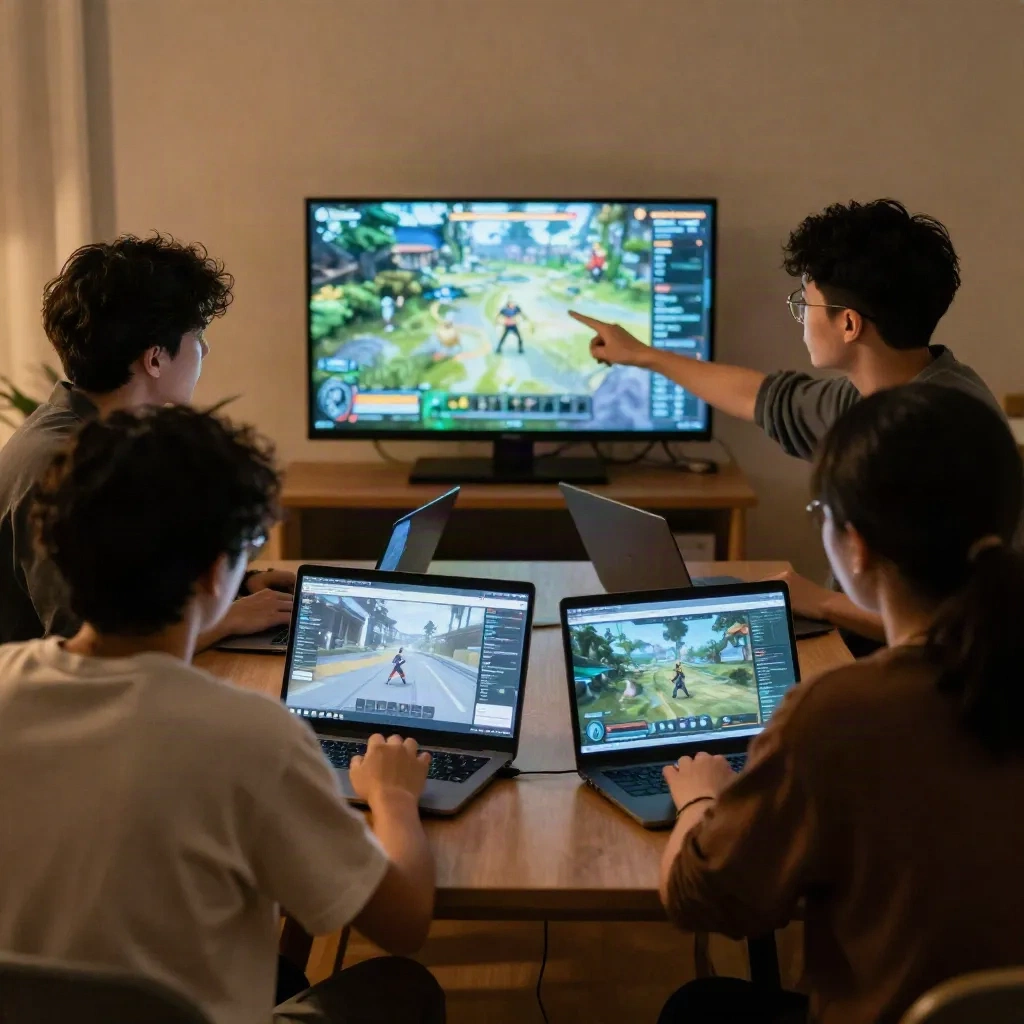
Then get other people in. Watch them without talking. The first time a friend walks straight past your carefully built shrine because the path leads somewhere else, you learn more than any checklist offers. Write down what they tried to do, not what they said.
Three things to look for in every session. Did they find the verb unprompted? Did the rule surprise them in a good way? Did they know when it was over?
What happens when you publish?
In Studio, File then Publish opens the game details window. You add a name, icon, thumbnail, genre and description, and save. Roblox publishes the experience to the cloud. By default only you and people with edit access can reach it, so a first publish is private until you change the audience.
Read the current rules before you release widely. Roblox's publishing documentation describes an age-guidelines questionnaire at release, a testing audience of invited early testers, and a per-game publishing fee in Robux that is refundable under certain engagement conditions. These policies change, so check the page rather than trusting any guide, including this one, for exact numbers.
Invite a small tester group first. Fix the three most embarrassing problems. Then open it up.
What would we actually do with a first week?
Day one: the four-line design note and a greybox of one location. Day two: movement and camera feel, plus the one script that enforces your rule. Day three: the verb loop and an ending. Day four: playtest with two people and fix what broke. Day five: swap placeholder parts for deliberate ones, add a single line of context, and publish privately.
That is a finished small thing, which beats an unfinished large thing every time. The Codex entry for your project closes the same way: what the little build taught you about the world. Maybe the toll keepers need a second rule. Maybe the river was never the interesting part. Take that back to the lore document, update it, and build the next location with a better question.